If you’ve been searching “chat gpt not working” or “why chat gpt is not working today,” you’re not alone. Google Trends data shows a breakout spike in searches for “chat gpt not working on chrome” in the past 24 hours, with related queries like “why chat gpt is not working today” also trending. If you’re hitting errors, blank screens, or a chatbot that just won’t respond, here’s everything you need to know.
Is ChatGPT Actually Down Right Now?
Before assuming the worst, it’s worth checking whether this is a widespread outage or a problem specific to your device or browser. OpenAI maintains an official status page, and third-party trackers like Down Detector aggregate real-time user reports. When ChatGPT experiences an outage, these reports usually spike within minutes, and OpenAI typically acknowledges the issue publicly once engineers confirm elevated error rates.
That said, not every “ChatGPT not working” complaint is a server-side outage. Many issues — especially the ones driving the “chat gpt not working on chrome” search spike — are actually caused by something on the user’s end: a browser extension, a corrupted cache, a flaky internet connection, or even a proxy configuration issue.
Common Reasons ChatGPT Isn’t Working
1. Server-Side Outages
OpenAI’s infrastructure occasionally experiences elevated error rates or full outages, particularly during periods of high demand. Symptoms include “Internal server error,” “Something went wrong,” or messages about too many concurrent requests. These are usually resolved within a few hours as OpenAI’s engineering team scales capacity or patches the root cause.
2. Chrome-Specific Browser Issues
This is exactly what’s fueling the current trend spike. If ChatGPT loads fine on other browsers but not Chrome, the culprit is often:
- A browser extension (especially ad blockers or VPN extensions) interfering with the page
- A corrupted cache or cookies
- An outdated Chrome version
- Chrome’s site permissions blocking scripts ChatGPT needs to run
3. Proxy or Network Configuration Errors
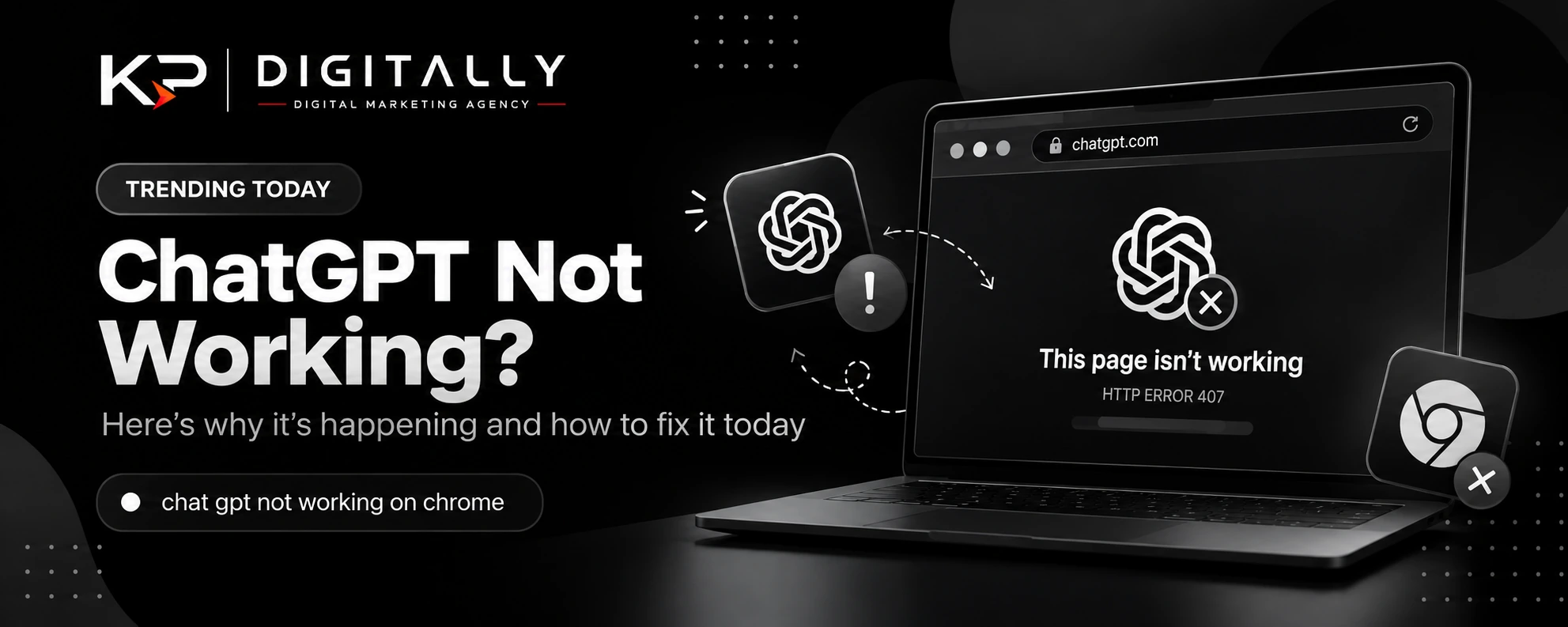
Some users encounter an HTTP Error 407 (Proxy Authentication Required) when trying to load chatgpt.com. This isn’t an OpenAI server issue at all — it means your browser or network is routing traffic through a proxy that requires authentication. This is common on corporate networks, VPNs, or after a Chrome extension silently changes your proxy settings.
4. Rate Limits
If you’ve sent a high volume of prompts in a short window, especially on the free tier, ChatGPT may temporarily throttle your account. Waiting a short period usually resolves this.
5. Local Internet Connectivity
A basic but often overlooked cause — an unstable Wi-Fi connection or DNS issue can produce the same symptoms as a full outage.
How to Fix ChatGPT Not Working on Chrome
- Reload the page — obvious, but it resolves a surprising number of temporary glitches.
- Check OpenAI’s status page to confirm whether it’s a known outage.
- Clear your Chrome cache and cookies, then restart the browser.
- Disable extensions one by one, especially VPNs and ad blockers, to isolate the conflict.
- Check your proxy settings (Settings → System → Open your computer’s proxy settings) if you’re seeing a 407 error.
- Try Incognito mode to rule out extension or cache conflicts entirely.
- Switch networks — try mobile data or a different Wi-Fi network to rule out local connectivity issues.
- Try a different browser to confirm whether the issue is Chrome-specific or affects ChatGPT everywhere.
Why Is This Trending Today?
Search spikes like the one showing “chat gpt not working on chrome” as a Google Trends breakout query typically happen for one of two reasons: either a genuine service disruption is affecting a large number of users simultaneously, or a widely used Chrome update/extension change is causing compatibility issues across many users’ setups at once. Given that “why chat gpt is not working today” is trending alongside it, it’s likely a mix of both — some users hitting a real outage, others hitting local browser conflicts, all searching for answers at the same time.
Bottom Line
If ChatGPT isn’t working for you right now, start by ruling out the simple stuff: reload, check your network, and clear your Chrome cache. If the problem persists across devices and networks, it’s likely a broader outage — check OpenAI’s status page and give it some time. Either way, you’re clearly not the only one dealing with it today.